Users, access, lifecycle and training
Users and departments
Settings > User management creates, invites, imports, activates and deactivates local users. Users can be assigned to a department, role and approval scope. Directory and Google imports use the configuration in Settings > Authentication.
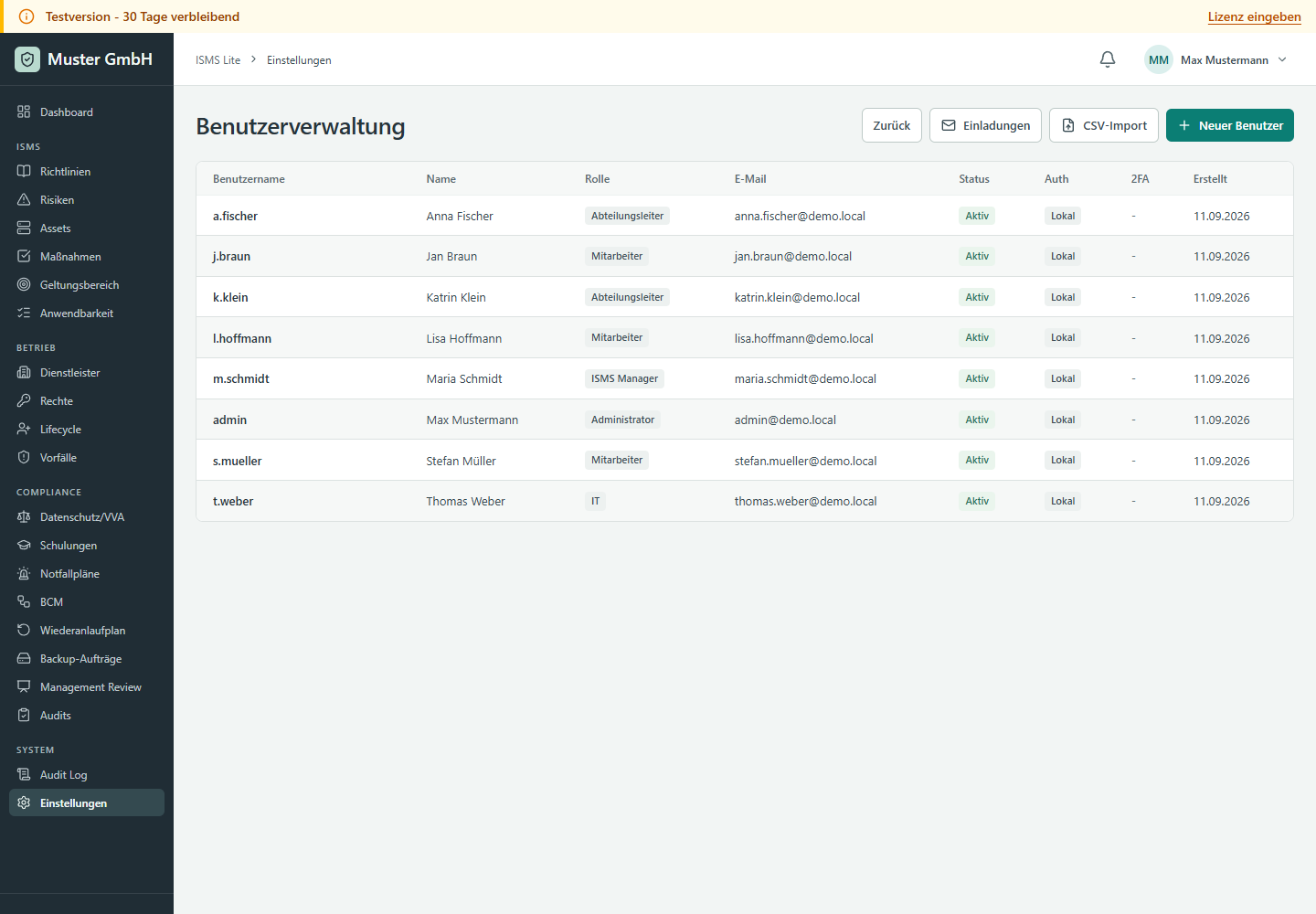
Departments are maintained separately and determine, among other things, responsibility for lifecycle requests. Deactivate accounts rather than deleting evidence.
Groups
Under Settings > User Management > Groups, collect users into local groups or selected AD/Entra groups. Groups for policies and training shows creation and ongoing assignments with screenshots.
Roles and permissions
Administrators use Settings > Roles for custom roles and Permissions to assign module-level read, write or administration access. Administrator and employee are system roles. Test changed roles with a test account before production assignment.
User lifecycle
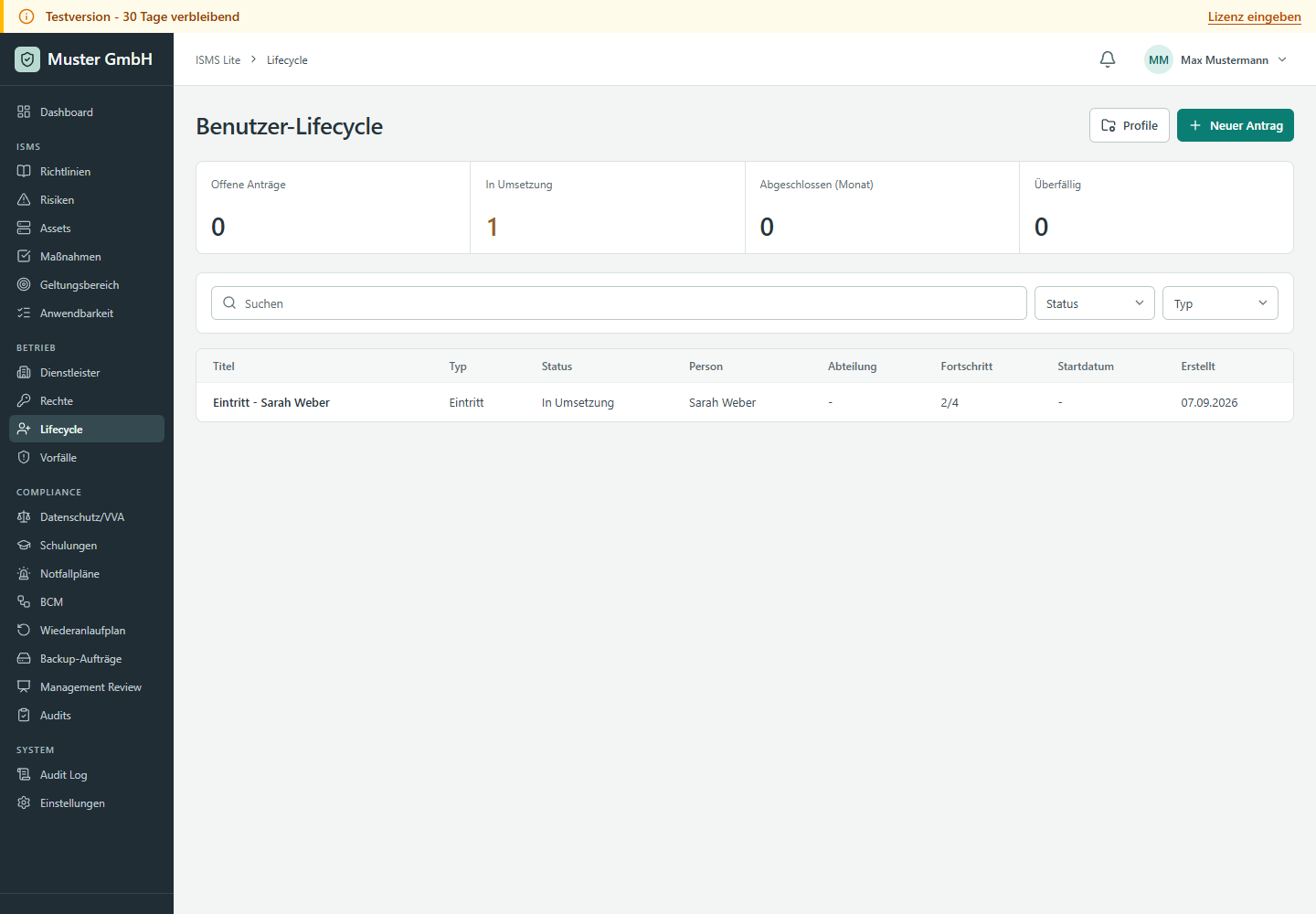
Lifecycle handles onboarding, change and offboarding requests with target person, department, profile, approval and implementation. The target person's department determines approval responsibility. Adding permissions after approval requires a new approval.
Training and portal
Training manages dates, target groups, attendance, evidence and links to policies or incidents. Due training appears in the dashboard. Policy acknowledgements and training can be provided through person-specific portal tokens. Tokens are one-time and not a password replacement.

Assign recurring audiences under Participant groups on the training detail page. Follow Groups for policies and training for the steps.