Backup, updates and operations
System backup
Settings > System backup requests an encrypted full backup, shows its progress and downloads the archive. The archive contains a manifest, database dump, encrypted secrets and restore metadata. Treat the download as an emergency record and store it separately.

To restore, upload and fully validate the archive. Only a validated staging area can be executed. The process checks version, migrations and the required encryption key. Cancelling discards staging.
Instance updates
Installed customer instances use isms-lite-update. The updater downloads the signed package, verifies origin and checksum, pulls release-defined images and applies migrations. Existing settings, data and the regular update path must remain intact.
Do not modify or remove migration files. Back up before an update failure and retain logs. A host-side restore path is also available.
Audit log
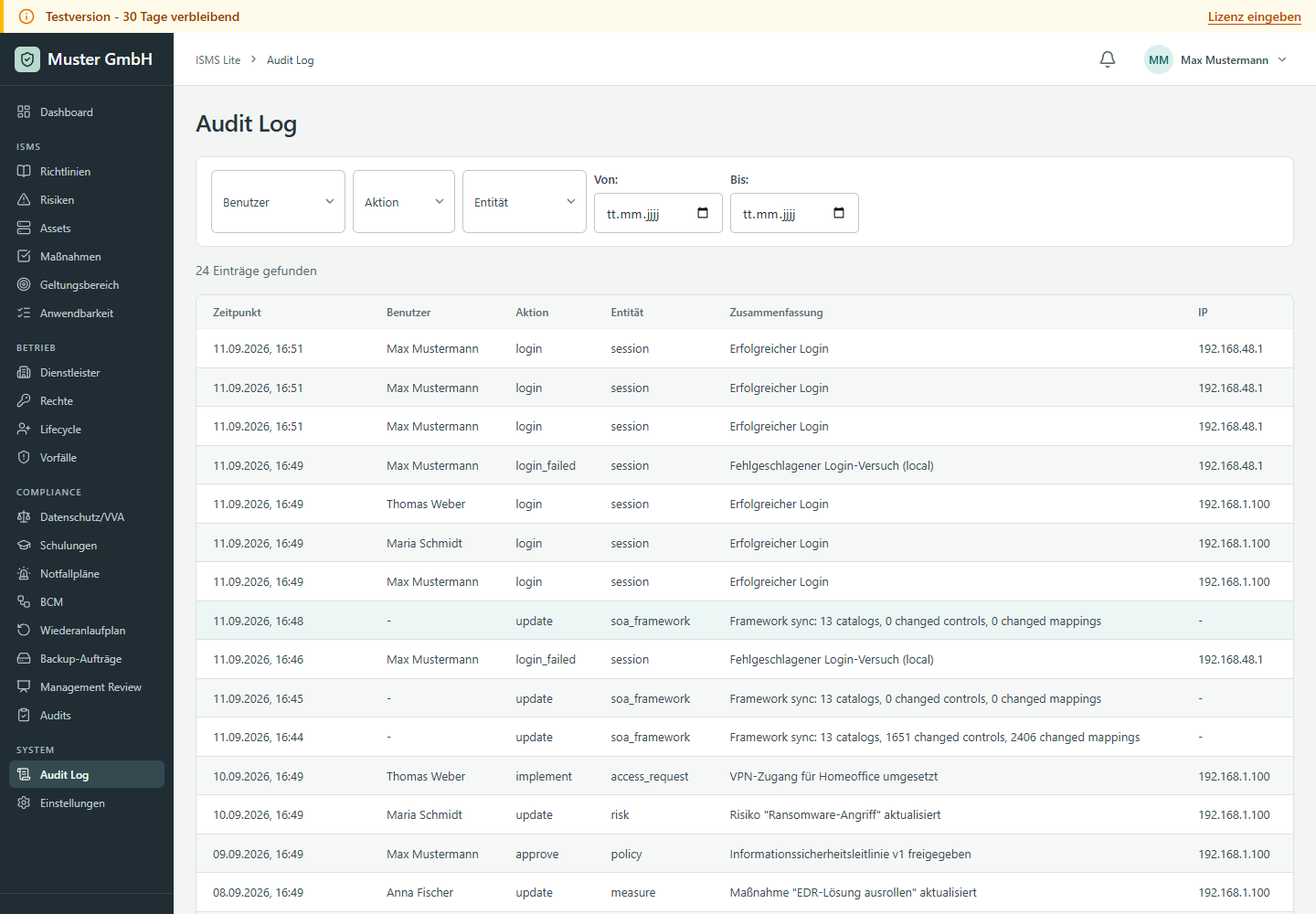
Audit Log records sign-ins and business write operations. Filter by time, user, action and entity. It complements module-specific versioning and status history rather than replacing them.
Routine operations
- Test system backup and restoration regularly.
- Monitor free capacity for data, backups and logs.
- Apply security updates through approved app releases.
- After an update, check health, sign-in and affected modules.
- Keep credentials, encryption keys and release artefacts separate from the instance.